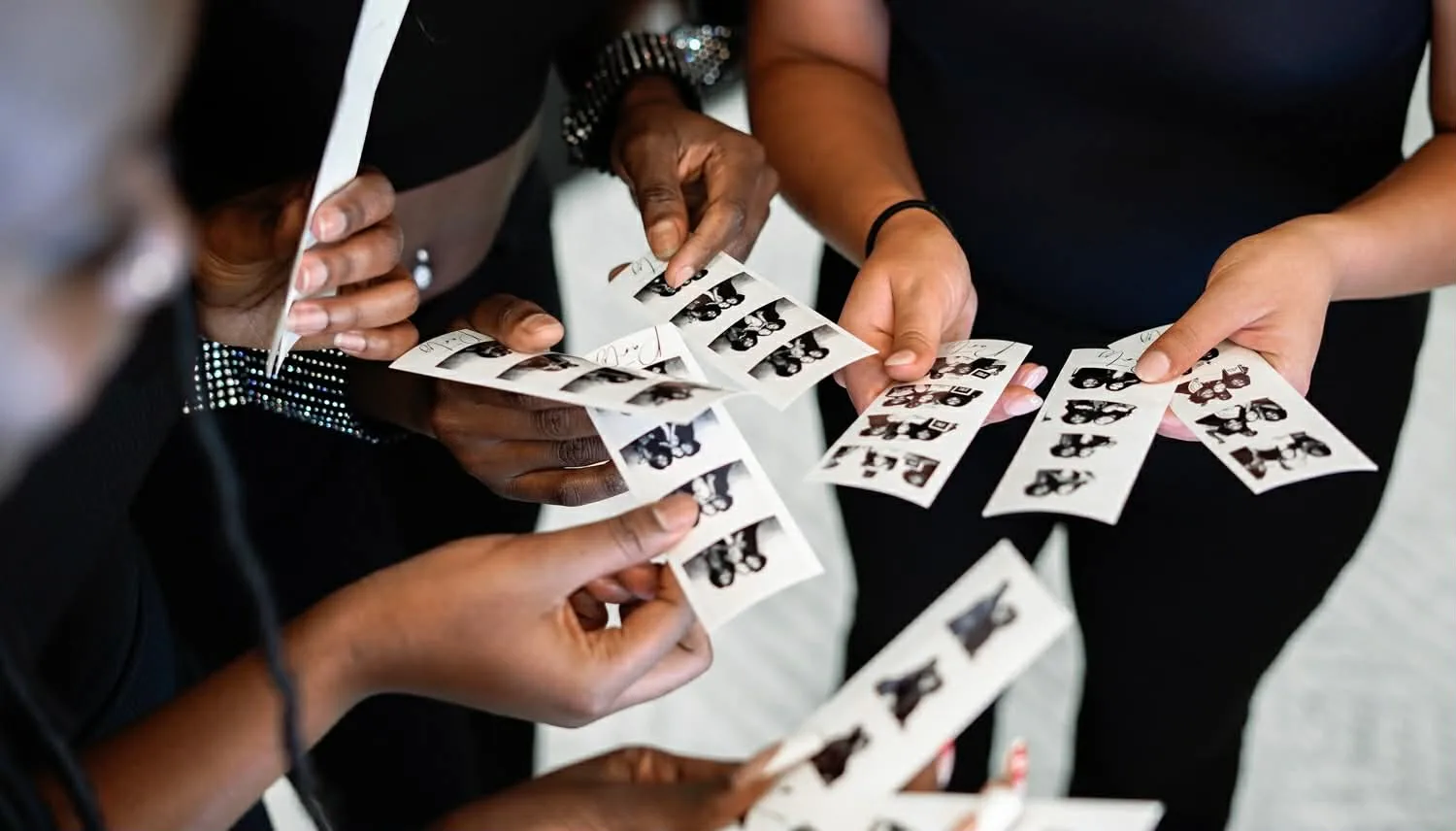
Where Are Photo Booth Pictures Stored?
Digital photo booth pictures begin as files in the booth software. Depending on the service and event setup, those files may also be uploaded to an online gallery and delivered through text or email sharing. A gallery link opens a collection online; a downloaded image is a separate copy saved on your device.
For our Digital Pro experience, text and email sharing and an online gallery are included. Other experiences have their own inclusions. Before booking, ask how guests receive their photos, how the host accesses the collection and how long gallery access is available.
How To Find Your Event Gallery
For available Photo Booth Houston collections, start with our online event photo gallery. Some events use separate or private access, so check with the host if your celebration is not listed.
If you took a photo and cannot find it afterward, start with the delivery method used at the booth:
- Check the text messages or email account you used when sharing your photo.
- Search your inbox for the event name or photo booth company, including spam and junk folders.
- Ask the event host whether a guest gallery link was shared. Some events use a private link or access instructions.
- If the link is missing or no longer opens, contact the booth provider with the event date and venue. Include the event name if you know it.
For a Photo Booth Houston event, ask our customer support team for help. We keep event photos backed up and can help resend a photo or gallery link without a resend fee. Send the event name, date and venue so we can locate the collection.
How To Download And Save Your Photos
Once you have the correct gallery or individual photo link, save the images you want to keep rather than relying on the link alone.
- Open your photo and look for a download or save option. The wording depends on the gallery and device.
- If you can choose between a full image download and a preview, use the full image for your saved copy.
- On a phone, check Photos, Files or Downloads after saving. On a computer, check the download folder selected by your browser.
- Open the saved file to confirm that it is the photo you wanted and that the download completed.
- Copy favorites to another location, such as your computer or personal cloud storage.
A screenshot can be handy for a quick message, but downloading the image is the better starting point for keeping or printing it. If there is no download option, ask the host or provider about the access available for that event.
For the story behind the keepsake, read Perfect Imperfections: why the spontaneous photo can be the favorite.
Printed Photos And Digital Copies
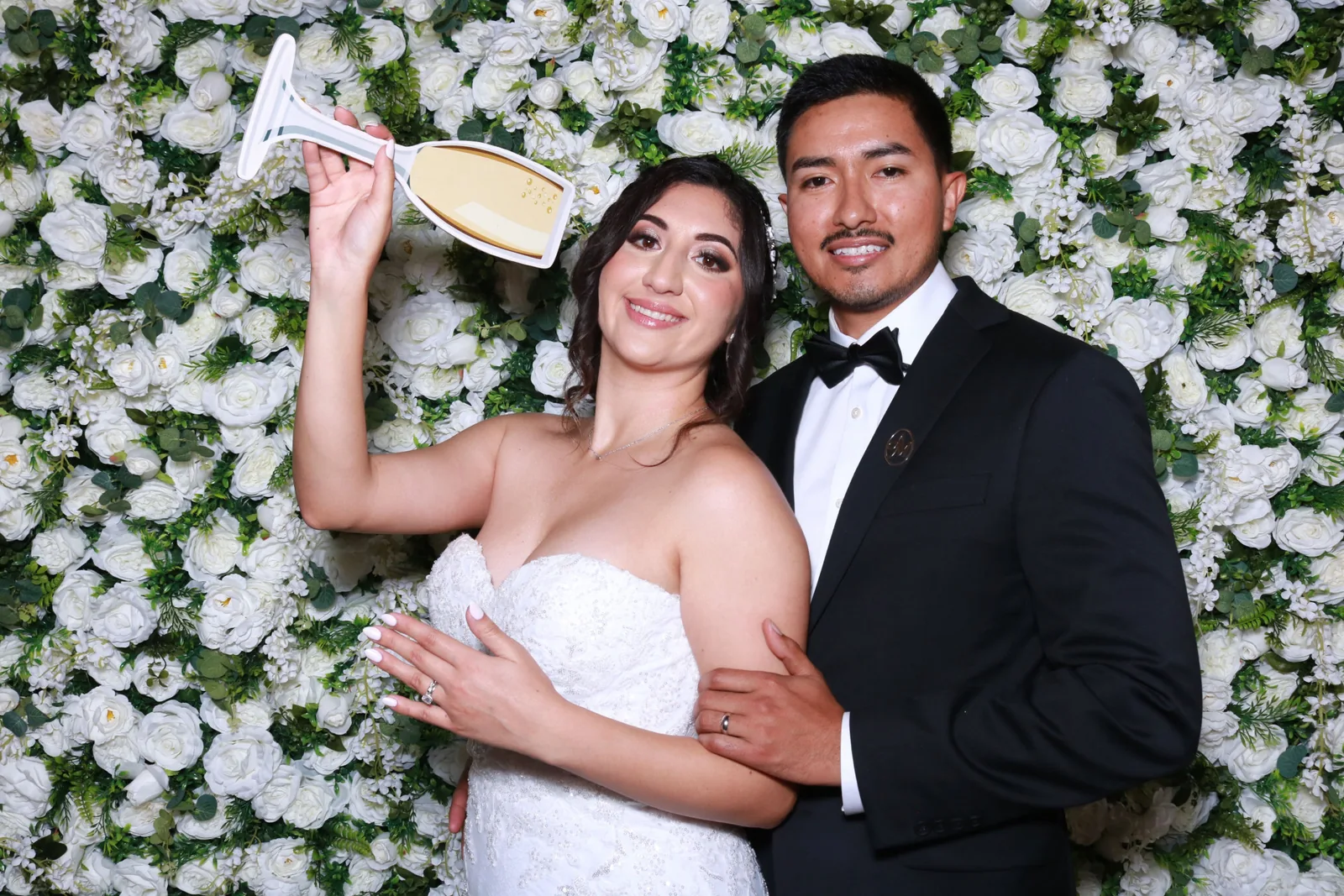
Printed photos leave the event with guests. Digital copies need to be sent or saved separately. Keeping a physical print does not automatically put a copy in your phone, and receiving a digital photo does not mean the booth package includes prints.
Our Instant Print Photo Booth includes printed keepsakes, digital sharing and an online gallery. The Beauty Photo Booth also includes prints and digital sharing. Digital Drop Off and Digital Pro are digital experiences without physical prints.
If a photo guestbook matters to you, ask about a memory station as an optional addition. For more examples of what guests can keep, browse our Instant Print photo gallery.
Gallery Access, Sharing And Backups
Do not assume an event gallery will stay available forever. Confirm its access period with the provider and download important photos while the link works. Ask separately about a host download of the full collection, any password or access instructions, and whether downloads are enabled.
Share links according to the host’s arrangements. Before posting someone else’s portrait publicly or using guest images in company marketing, check with the people involved and discuss the intended use. For personal memories, keep the original downloads in a collection you control, with a second copy elsewhere.
A booth gallery is one part of the event record. Our photographer and photo booth guide explains how these guest portraits complement coverage of the wider celebration.
Before You Decide
A Few Helpful Answers
Can You Help If I Lost My Photo Link?
Contact the event host or booth provider with the event date, venue and event name. They can check the gallery arrangements and whether access is still available. Recovery is not guaranteed.
Can I Download Every Photo From An Event?
Full collection access depends on the event arrangements and gallery settings. Ask the host or provider whether a collection download is available rather than assuming an individual sharing link includes it.
Are Photo Booth Galleries Available Forever?
Do not assume permanent access. Confirm the availability period and save your own copies while the gallery is accessible.


